Support Center

Help users start strong and recover quickly when something goes wrong.

This page covers the most likely setup and usage questions.

Start fastInstall, create an account, log your first meal.
Fix blockersAPK install issues, login trouble, and sync confusion.

Contact options

Email for direct help, Telegram for faster updates and community support.

Email: support@maed.et
Telegram: @MaedApp
Coverage: installation, account, and tracking questions
Getting started

Create your account

After installing the APK, open Maed and register with your email.
First actions

Log your first meal

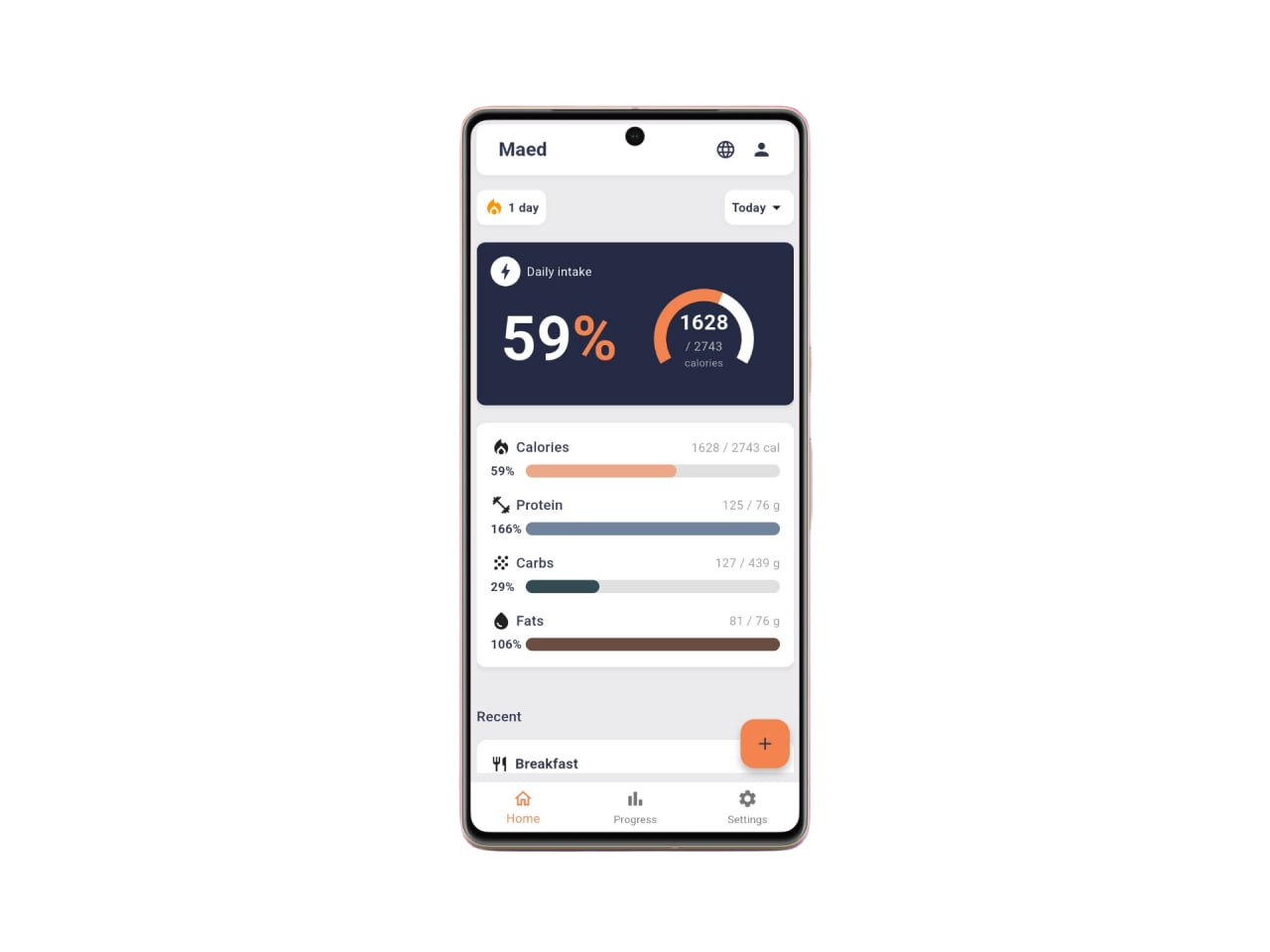
Choose the meal type, add food entries, and review how your calories and macros change right away.
Progress setup

Set goals and baseline weight

Targets work better when you add an initial weight and choose the outcome you want.
Troubleshooting

APK does not install

Check that your device allows installation from the source app you used.
Troubleshooting

Cannot log in

Verify email and password, then retry with a stable connection.
Troubleshooting

Data looks out of sync

Reconnect to the internet, reopen the app, and confirm the same account.
Quick Answers

Common support questions, kept short.

Because Maed is installed outside the Play Store.
Install only from maed.et or @MaedApp.
Telegram is best for quick updates and common issues.